D5 Video Downloader is an easy-to-use video downloading application that helps you download online videos and save them to your local computer.
Whether you want to save your favorite videos, keep interesting content for later, or download videos for offline viewing, D5 Video Downloader makes the process simple and convenient.

Video Demo
Watch the video demonstration to see how D5 Video Downloader works and explore its user experience.
Screenshot
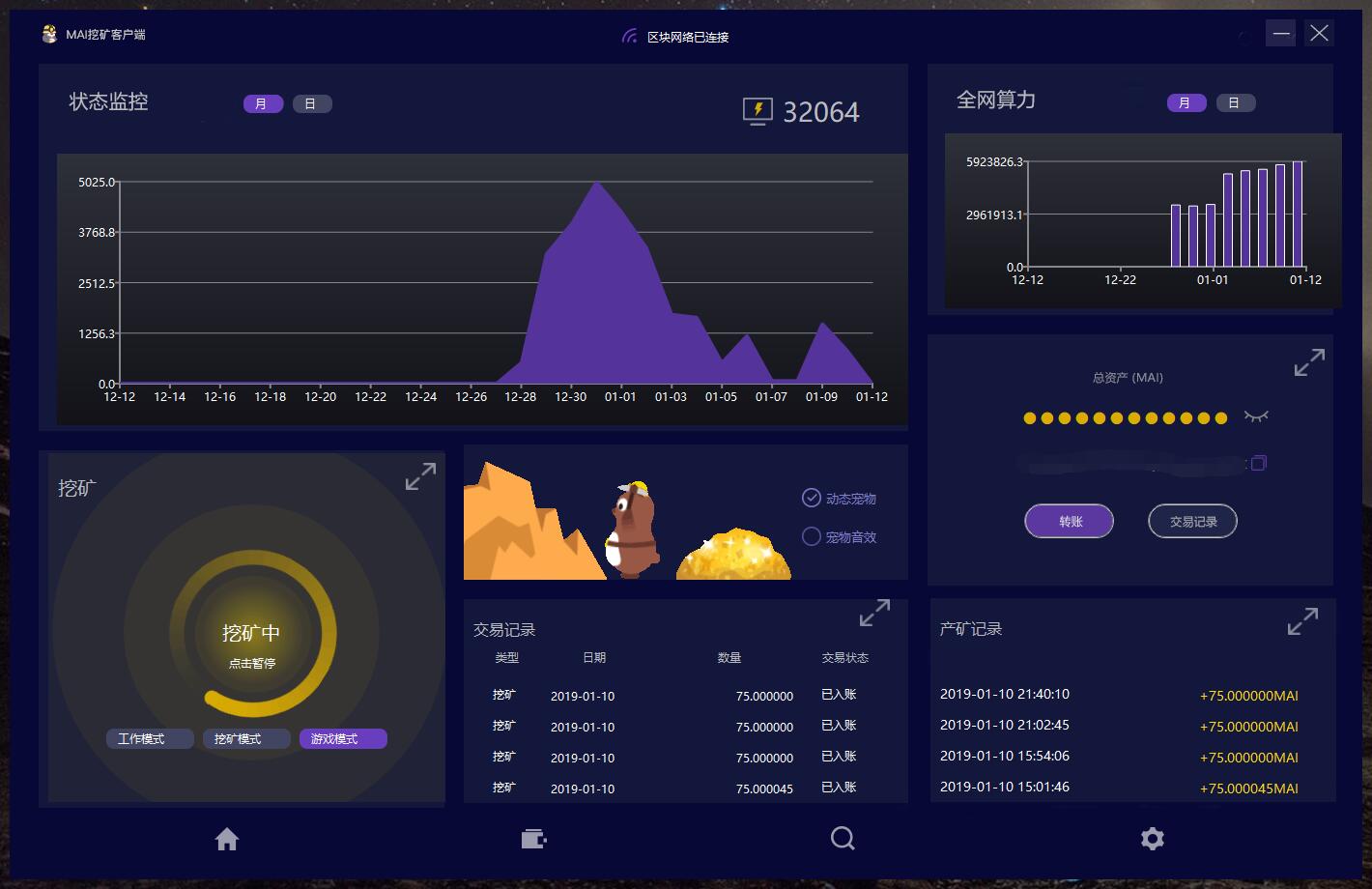
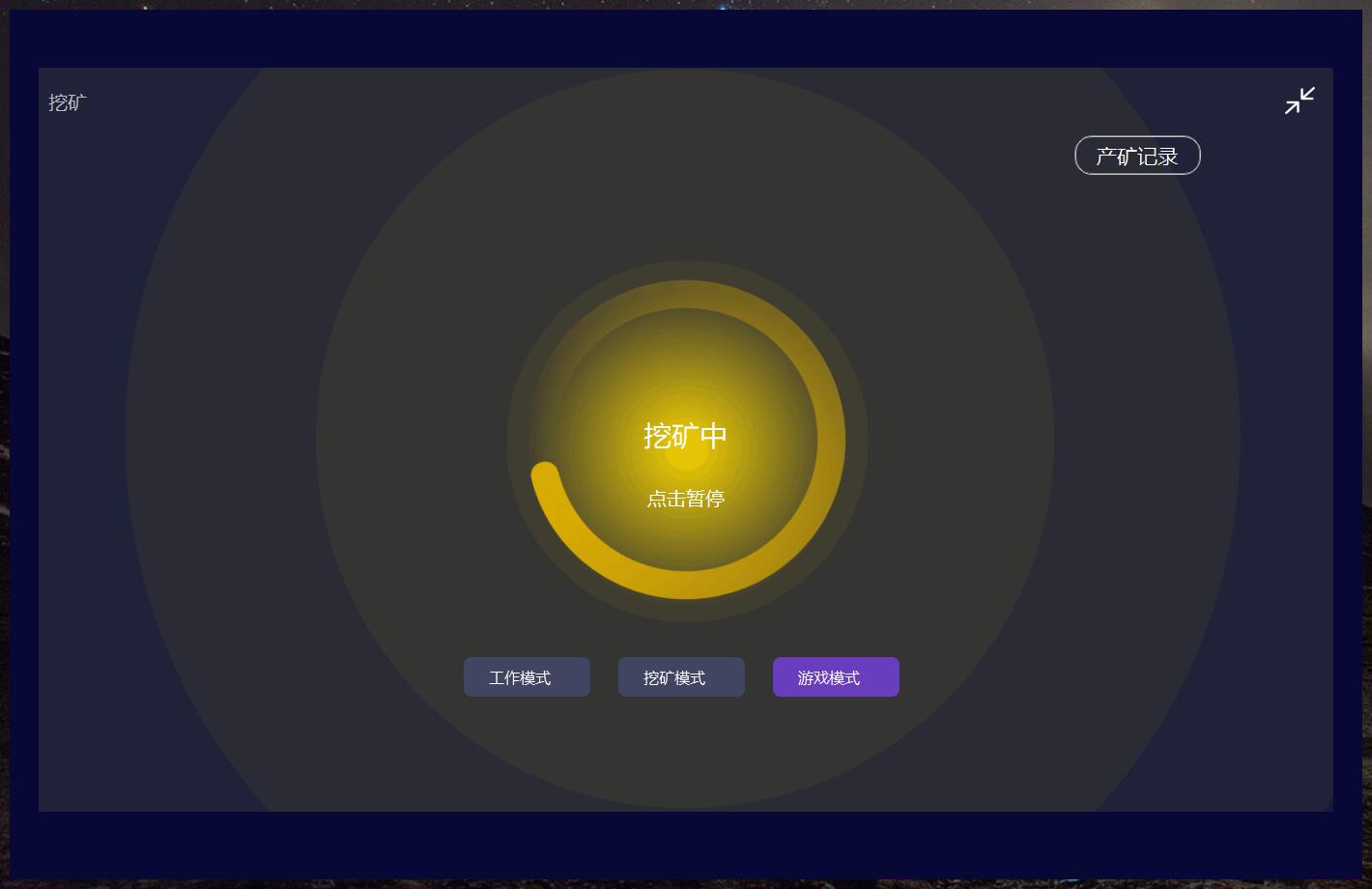
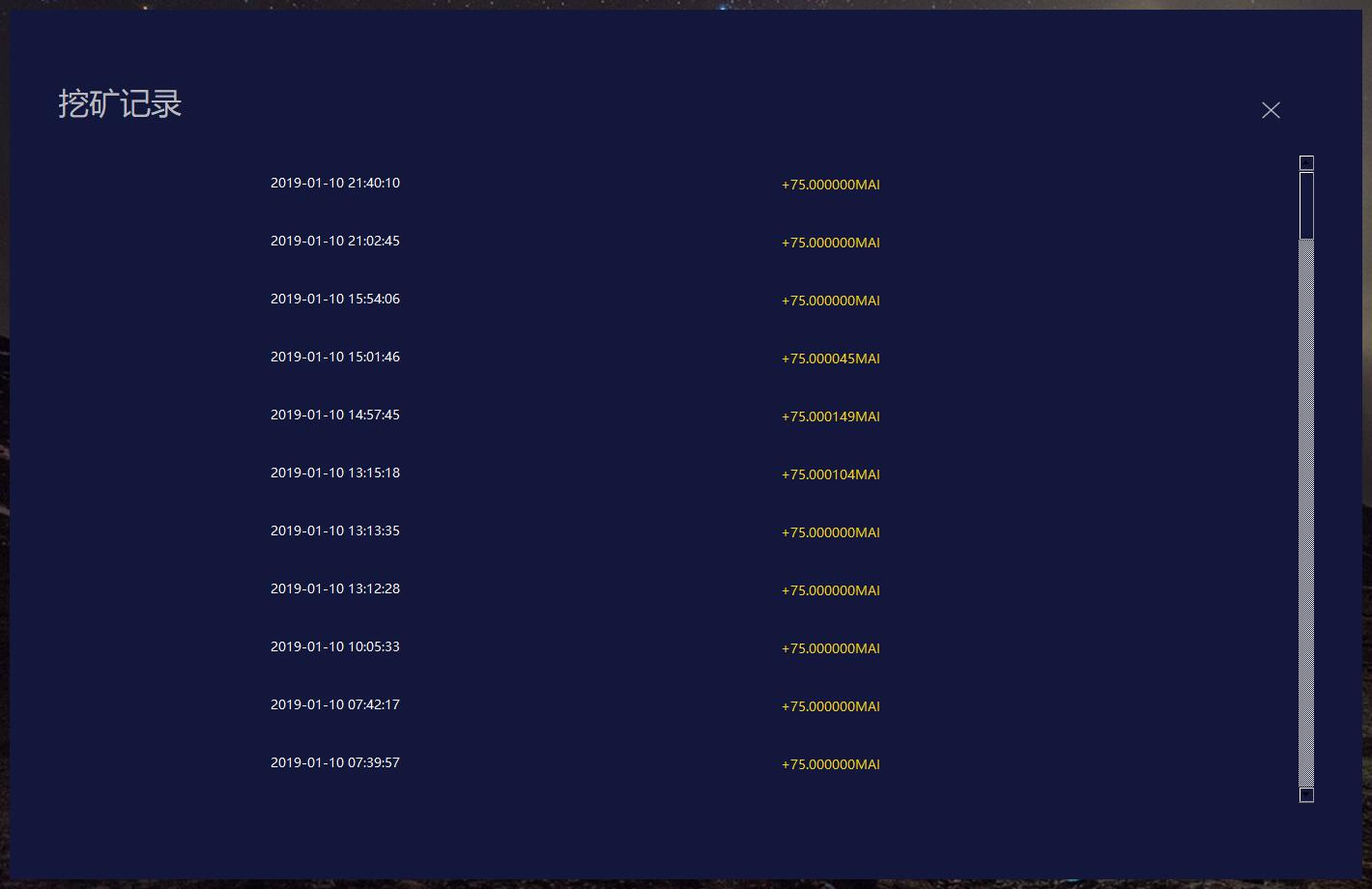
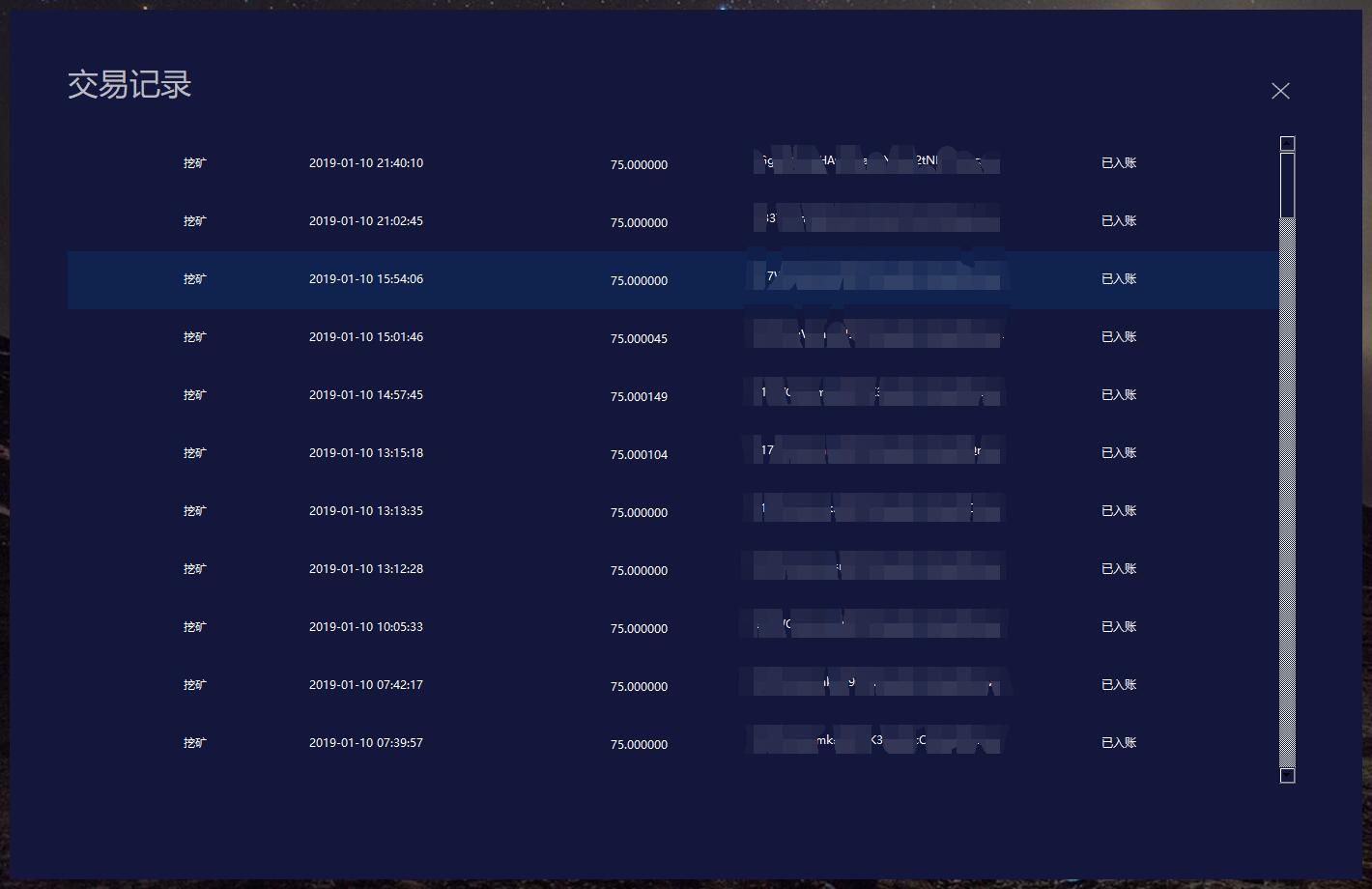
Explore the clean and intuitive interface of D5 Video Downloader.

Easy to Use
No complicated setup is required. Simply paste a video URL to start analyzing and downloading.
Multiple Video Quality Options
Automatically analyze available video streams and provide supported video quality and format options. Choose the video quality and format that best suit your needs.
Powerful Downloads
Powered by advanced video analysis and downloading capabilities, D5 Video Downloader makes it easy to download videos from supported online sources.
Save Videos Locally
Download videos directly to your computer for convenient playback, organization, and offline viewing.
Free to Use
D5 Video Downloader offers free core video downloading features. No account registration or sign-in is required.
Download D5 Video Downloader
Download D5 Video Downloader and enjoy a simple, convenient video downloading experience.
Microsoft Store

Windows Installer
Product Name: D5 Video Downloader
Platform: Windows
Official Website: https://jifei.co/