YiDa Assistant is a Windows printer management tool designed to make printer installation and configuration easier.
Setting up a printer on Windows can sometimes be complicated. Users may need to search for drivers, configure network settings, or manually add shared printers.
YiDa Assistant simplifies this process by helping users add printers quickly and automatically match the required drivers.
Main Features
🖨 Easy Printer Installation
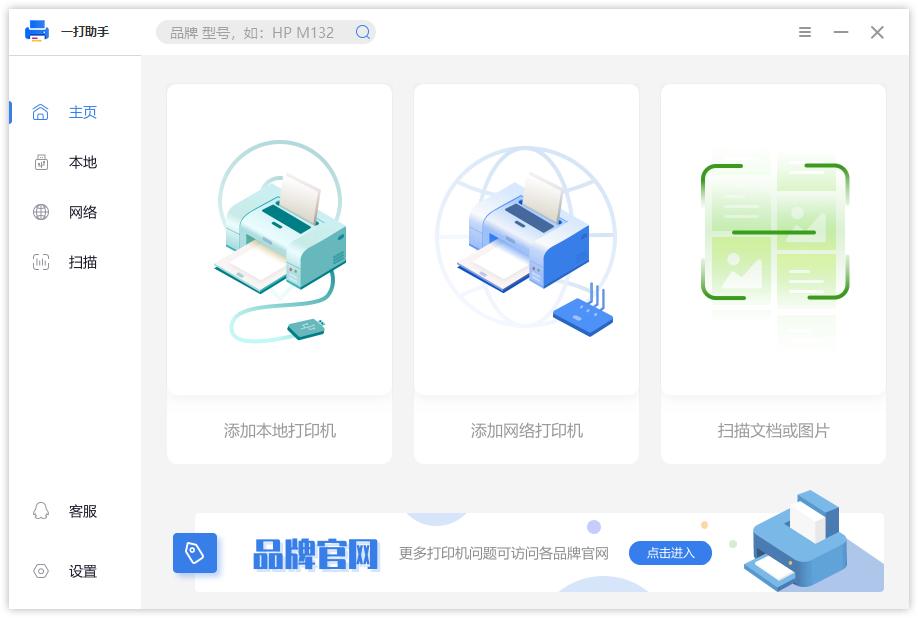
YiDa Assistant supports multiple printer connection methods:
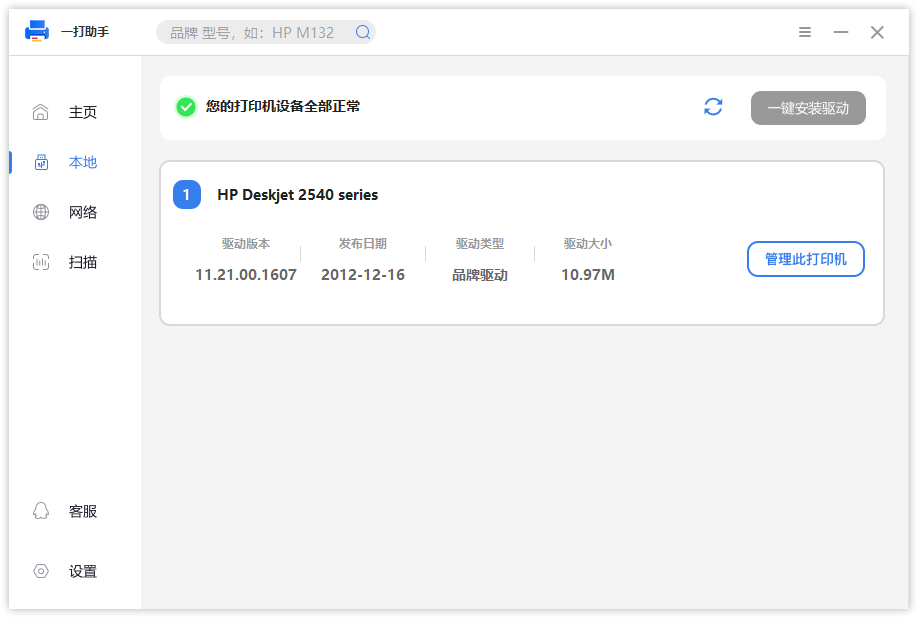
- Add USB local printers
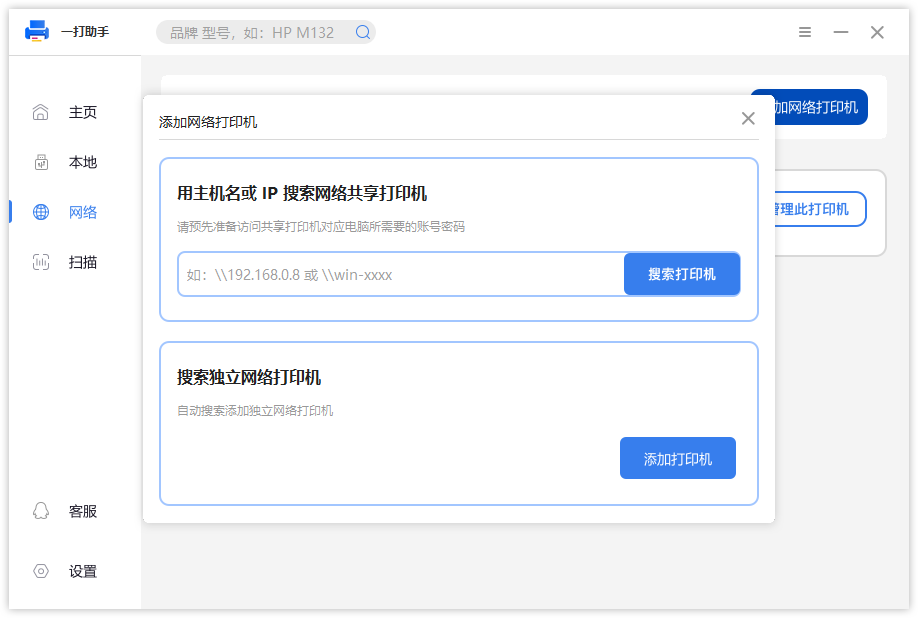
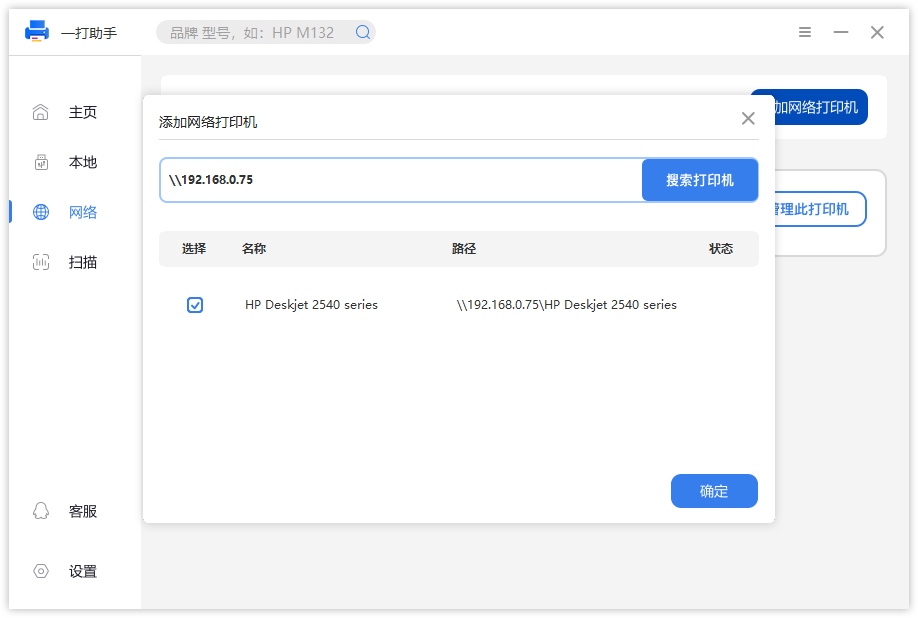
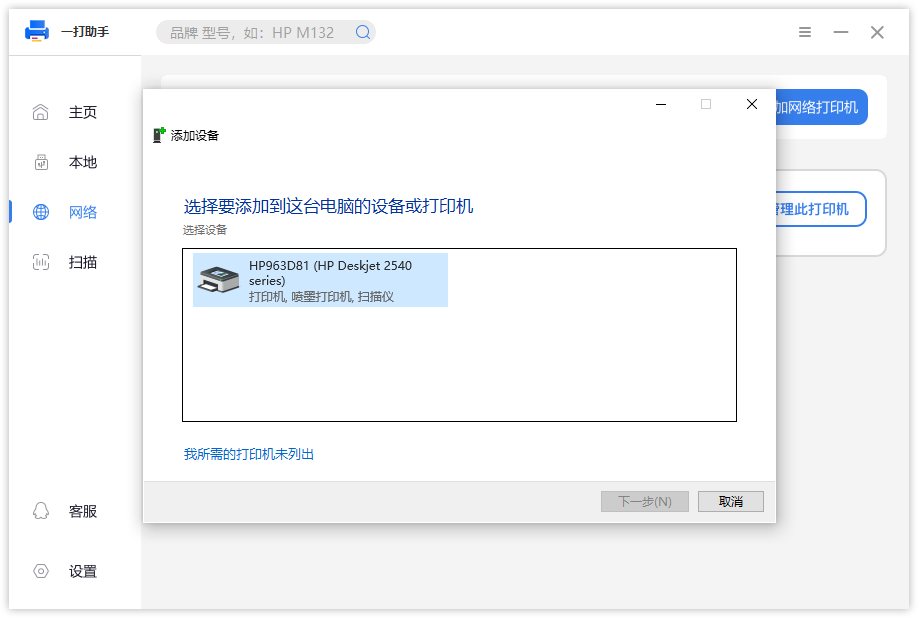
- Add Windows shared printers
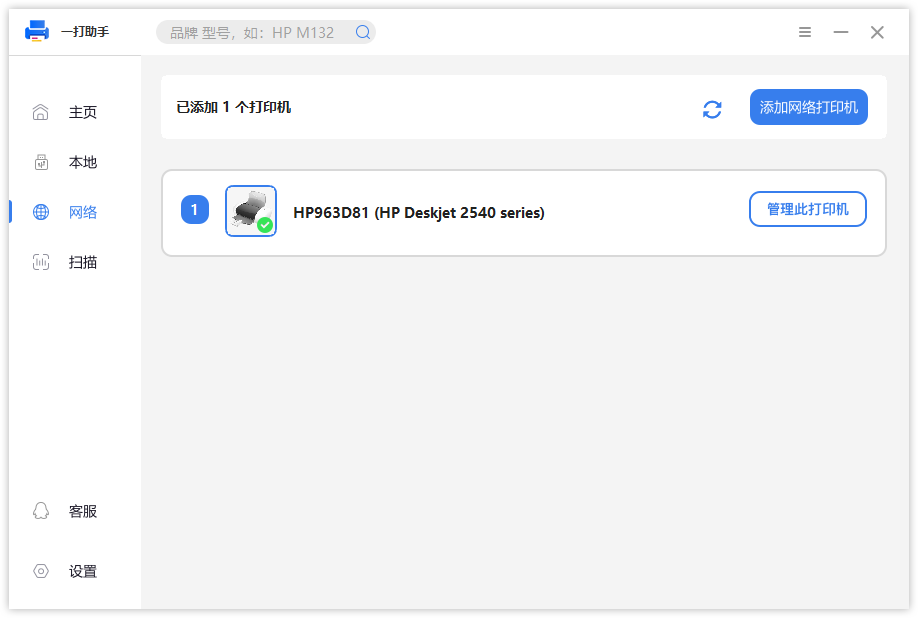
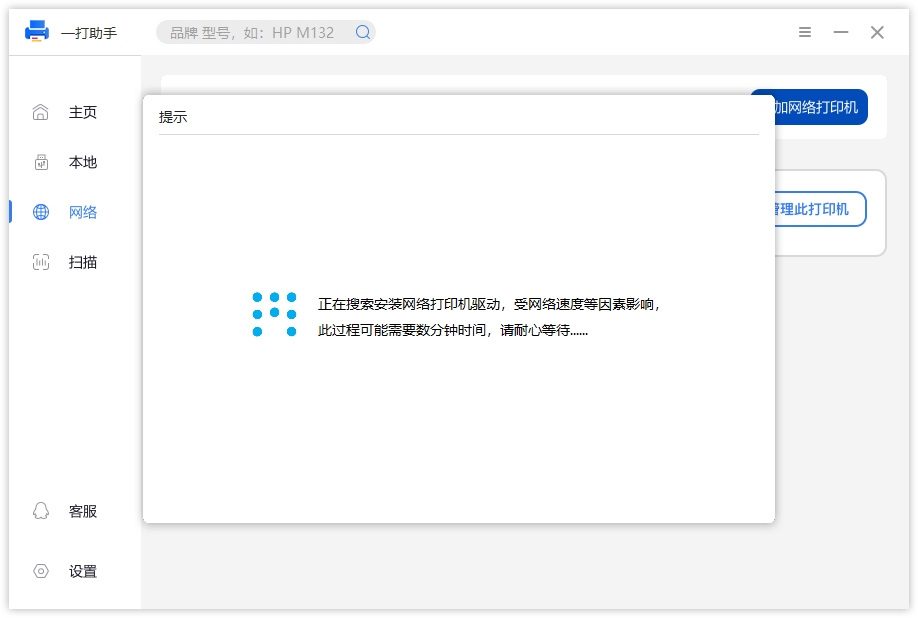
- Add network IP printers
Users can quickly complete printer setup through a simple workflow.
📦 Automatic Driver Matching
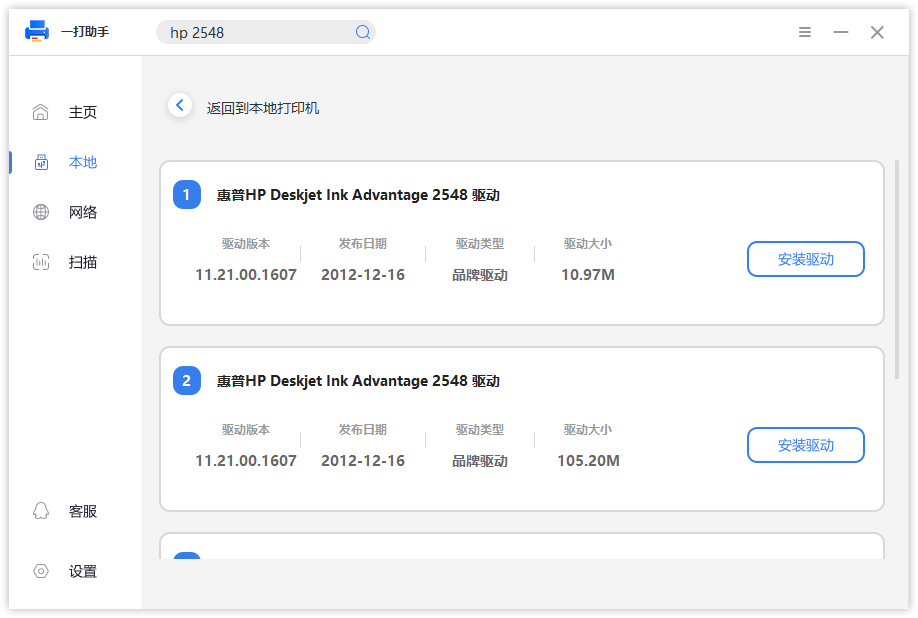
When adding a printer, YiDa Assistant can automatically match the appropriate printer driver from the backend.
No need to manually search for drivers, making printer installation faster and easier.
📄 Document and Image Scanning
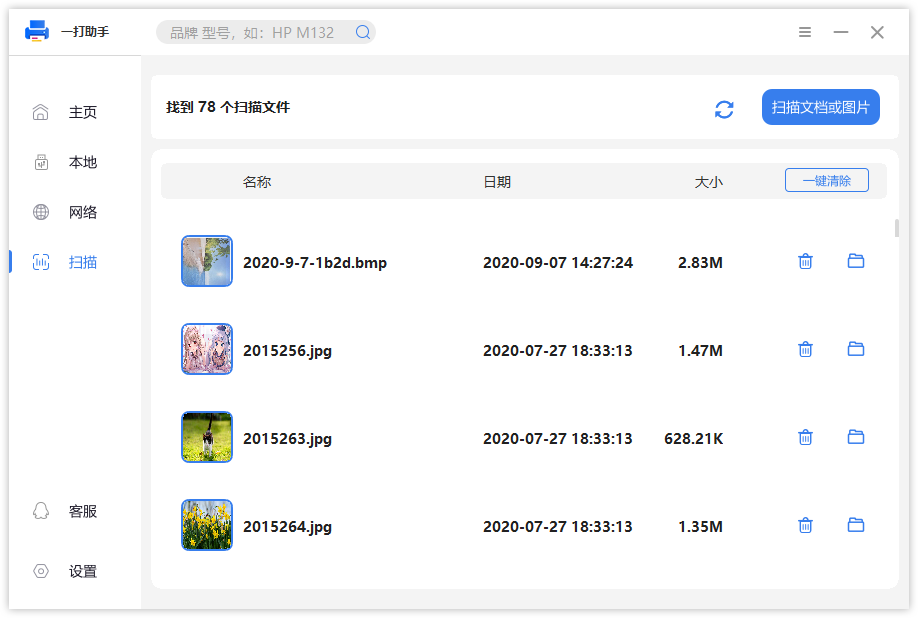
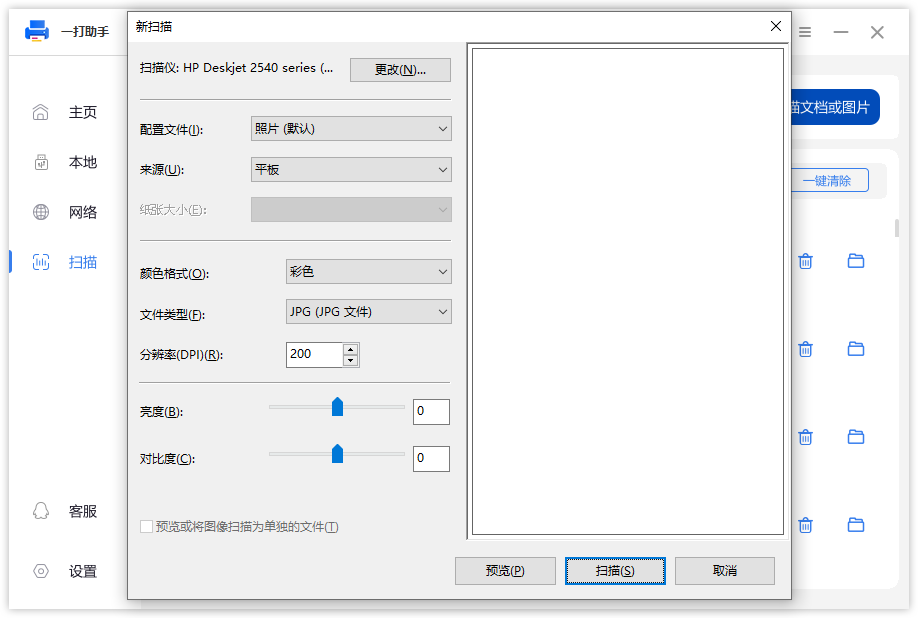
YiDa Assistant supports scanning documents and images from connected scanning devices.
It helps users digitize documents and improve daily productivity.
Usage Scenarios
- Home printer setup
- Office printer configuration
- Windows shared printer connection
- Network printer installation
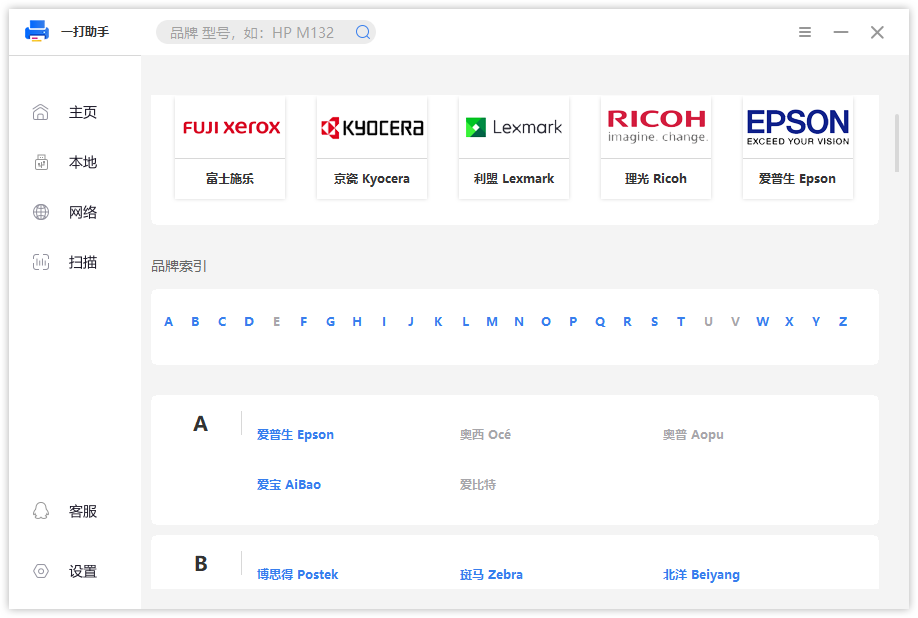
Software Screenshots
Download
Download YiDa Assistant:
Conclusion
YiDa Assistant makes printer installation and management easier.
With automatic driver matching, multiple printer connection methods, and scanning support, YiDa Assistant helps users solve common Windows printer setup problems and improve productivity.