YiDa Assistant – Easy Printer Management Tool for Windows

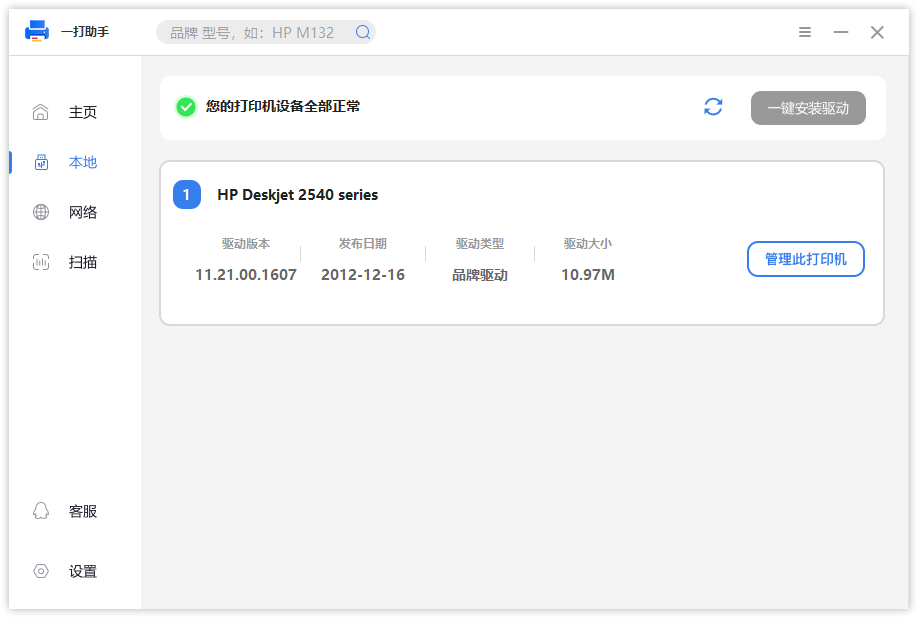
YiDa Assistant is a Windows printer management tool designed to make printer installation and configuration easier.

Setting up a printer on Windows can sometimes be complicated. Users may need to search for drivers, configure network settings, or manually add shared printers.

YiDa Assistant simplifies this process by helping users add printers quickly and automatically match the required drivers.

Main Features

🖨 Easy Printer Installation

YiDa Assistant supports multiple printer connection methods:

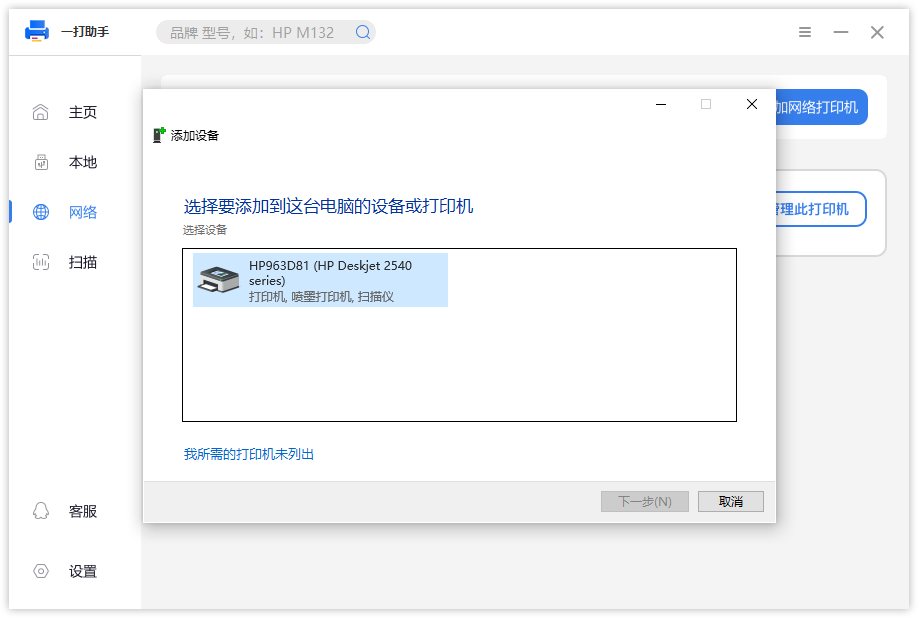
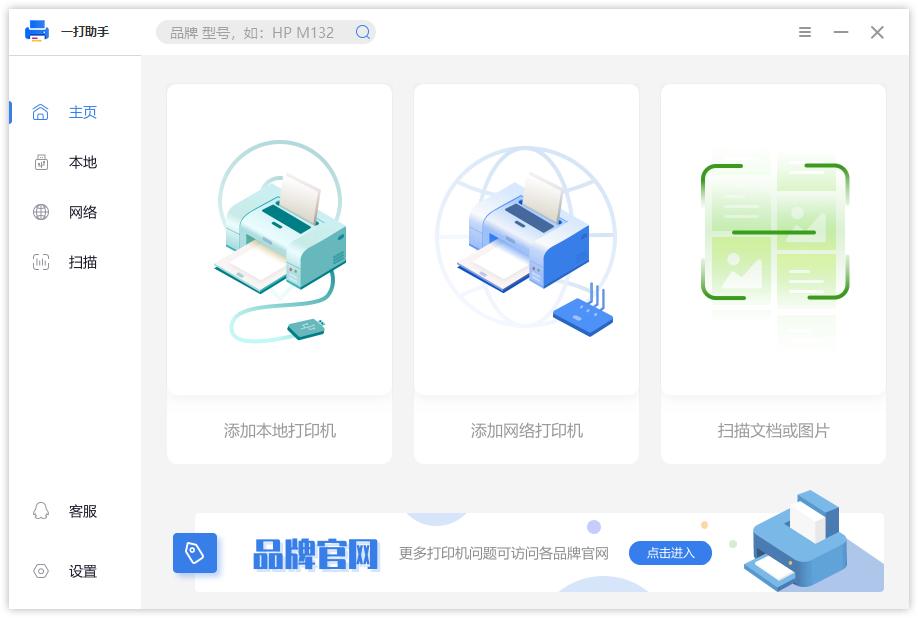
  • Add USB local printers
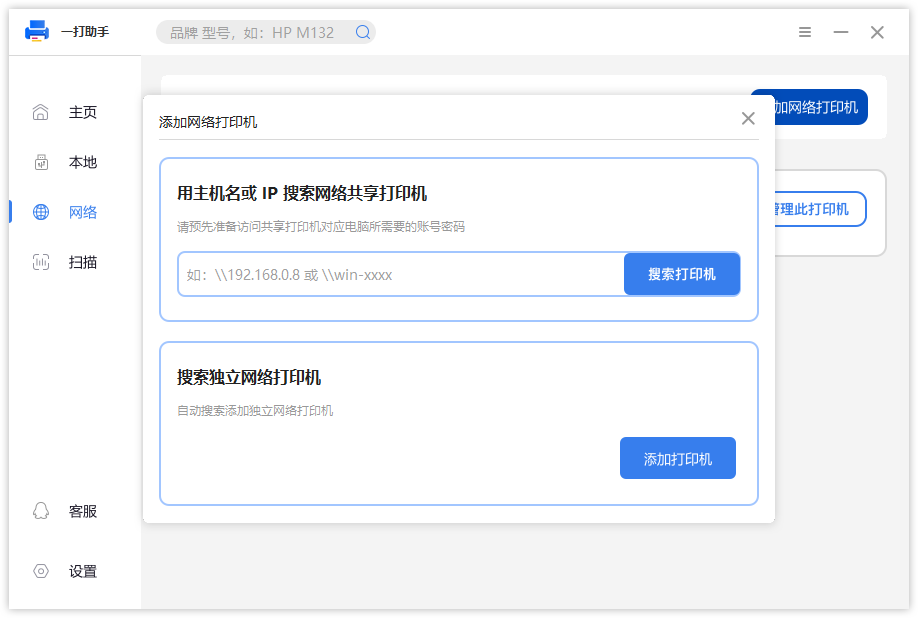
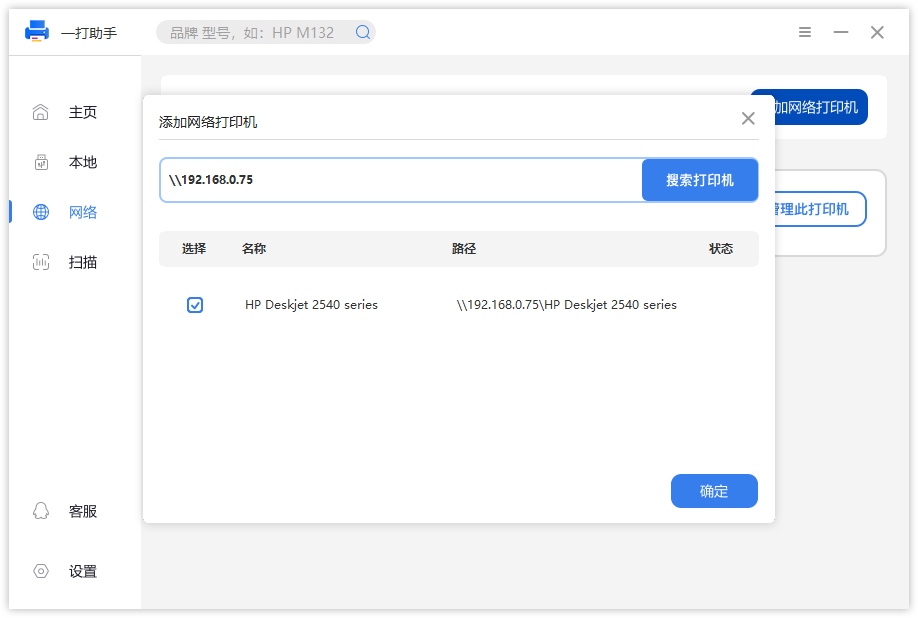
  • Add Windows shared printers
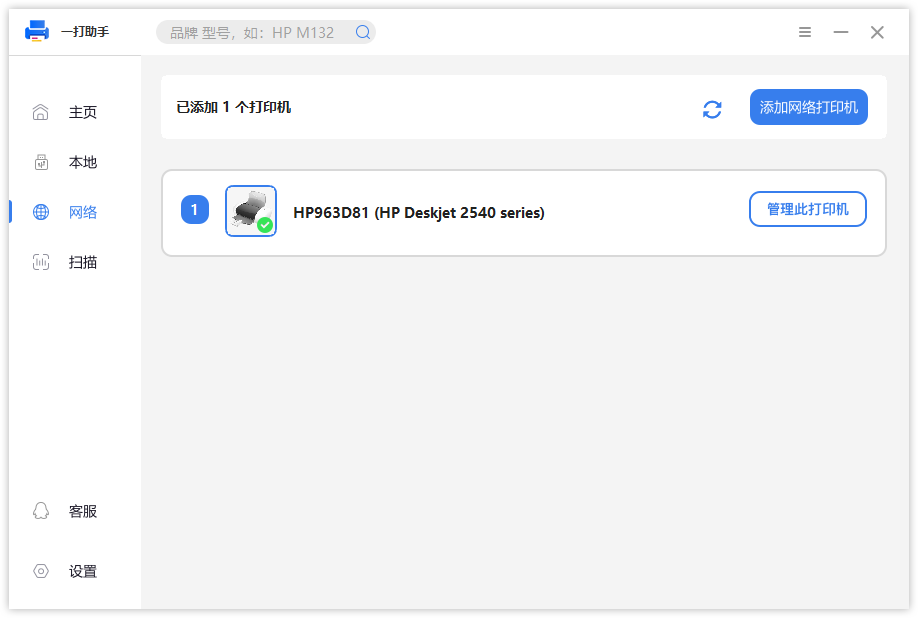
  • Add network IP printers

Users can quickly complete printer setup through a simple workflow.

📦 Automatic Driver Matching

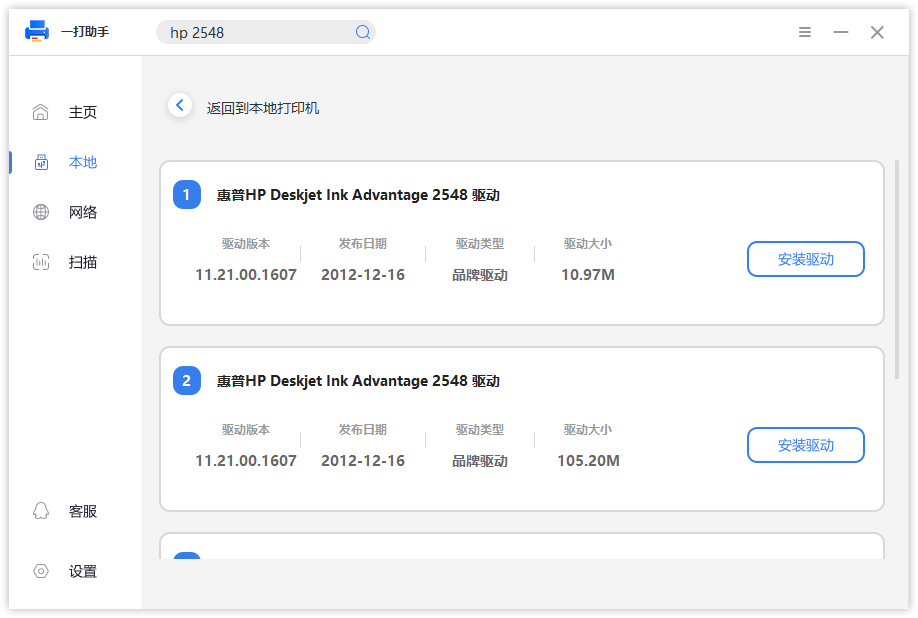
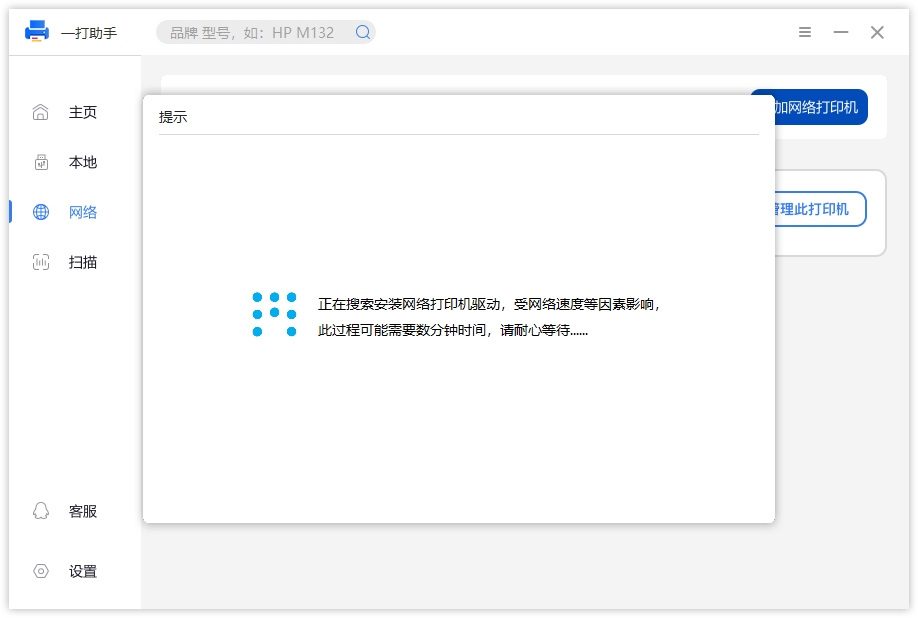
When adding a printer, YiDa Assistant can automatically match the appropriate printer driver from the backend.

No need to manually search for drivers, making printer installation faster and easier.

📄 Document and Image Scanning

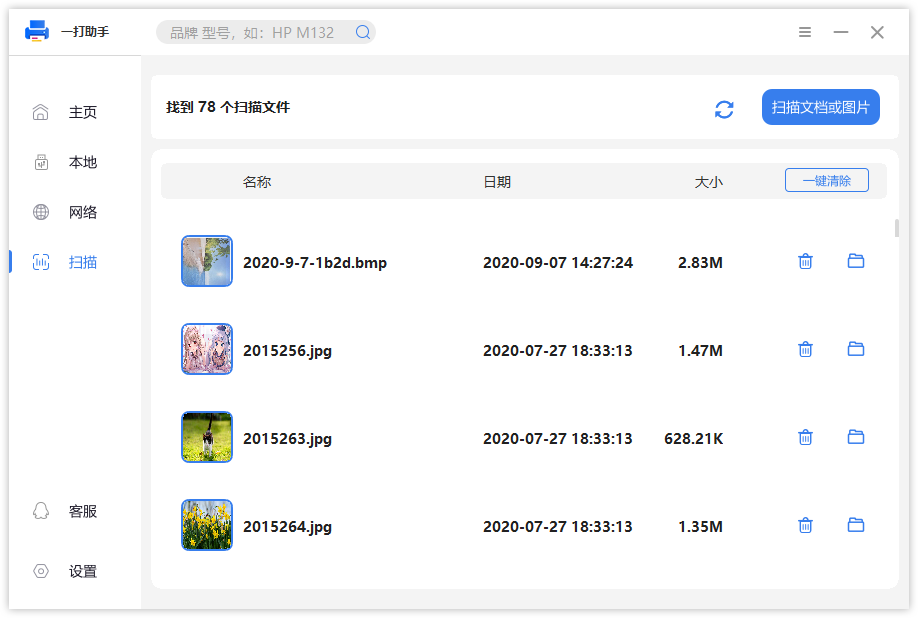
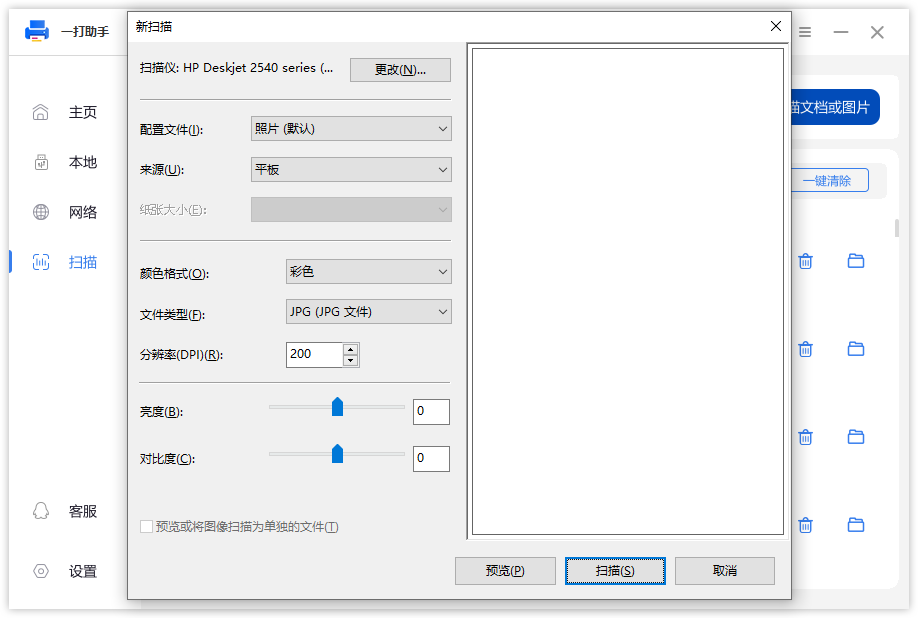
YiDa Assistant supports scanning documents and images from connected scanning devices.

It helps users digitize documents and improve daily productivity.

Usage Scenarios

  • Home printer setup
  • Office printer configuration
  • Windows shared printer connection
  • Network printer installation

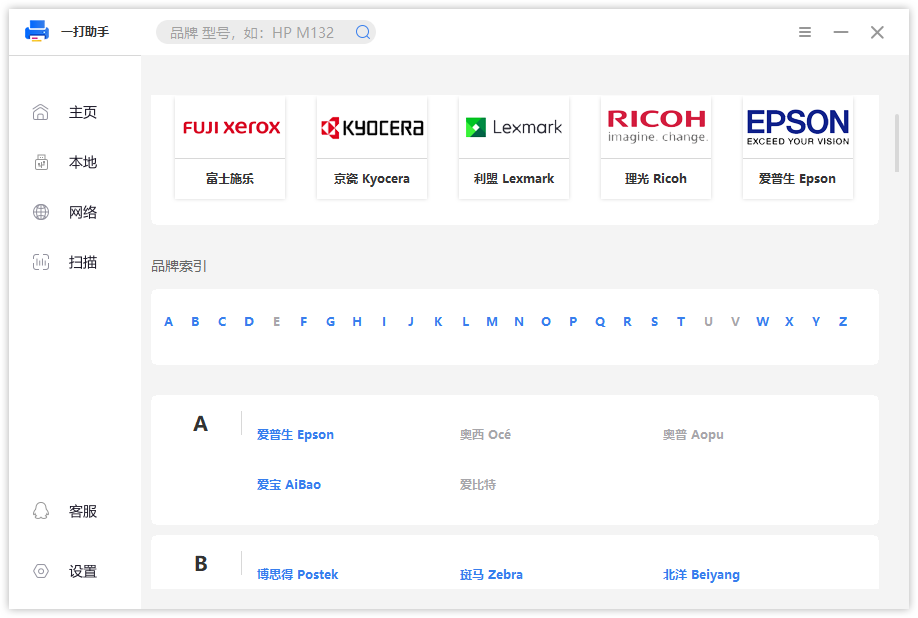
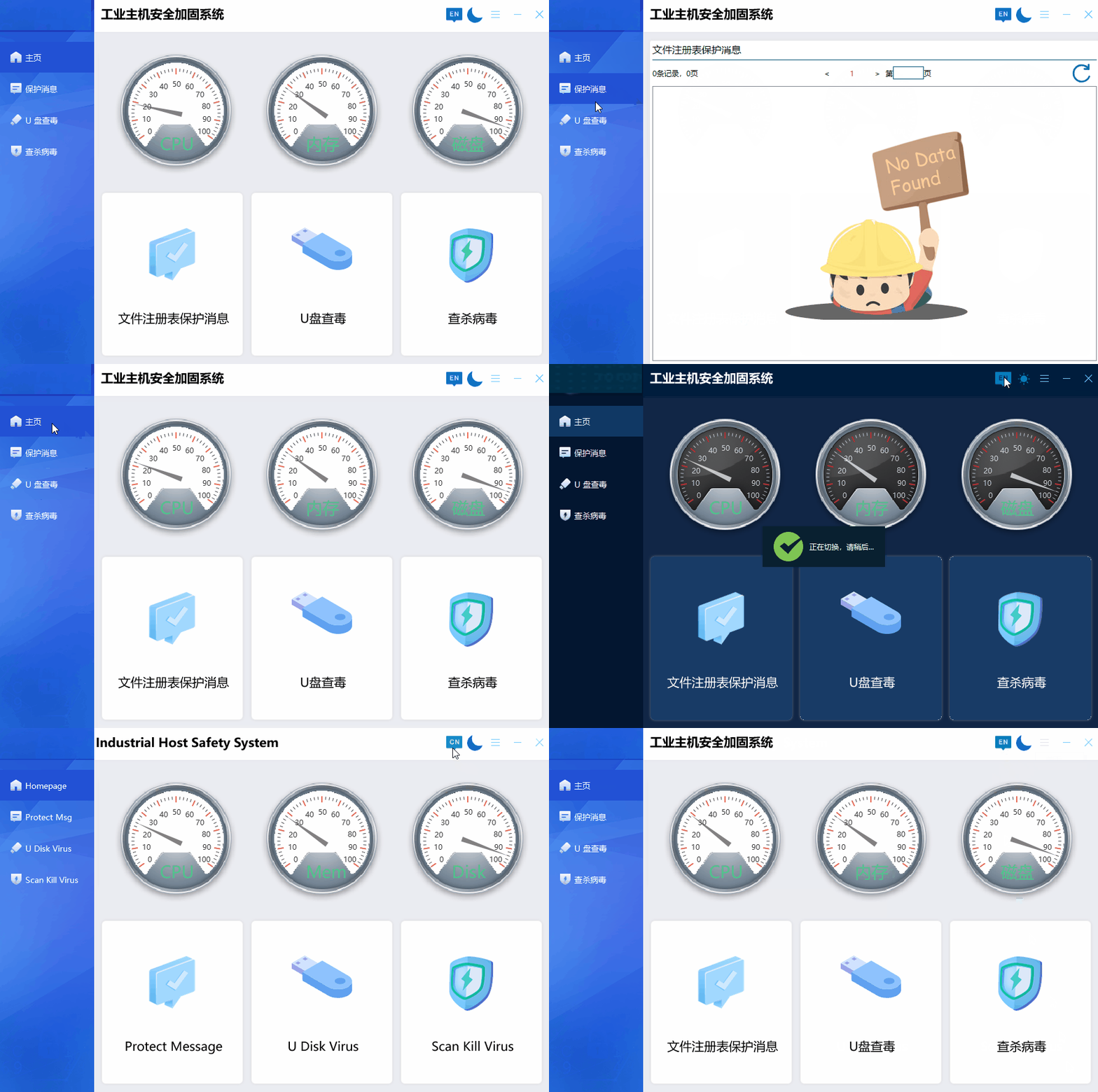
Software Screenshots
Download

Download YiDa Assistant:


Click to Download

Conclusion

YiDa Assistant makes printer installation and management easier.

With automatic driver matching, multiple printer connection methods, and scanning support, YiDa Assistant helps users solve common Windows printer setup problems and improve productivity.
D5 QQ Group Member Extractor

点击这里给我发消息

1. Download

https://www.fndydy.com/Download/D5_QQ_Group_Member_Exporter_Setup.exe

The latest version of QQ is not supported, and the QQ version is supported…

https://www.fndydy.com/Download/QQ8.9.6.zip

2. Functions:

1. One-click extraction of all group members

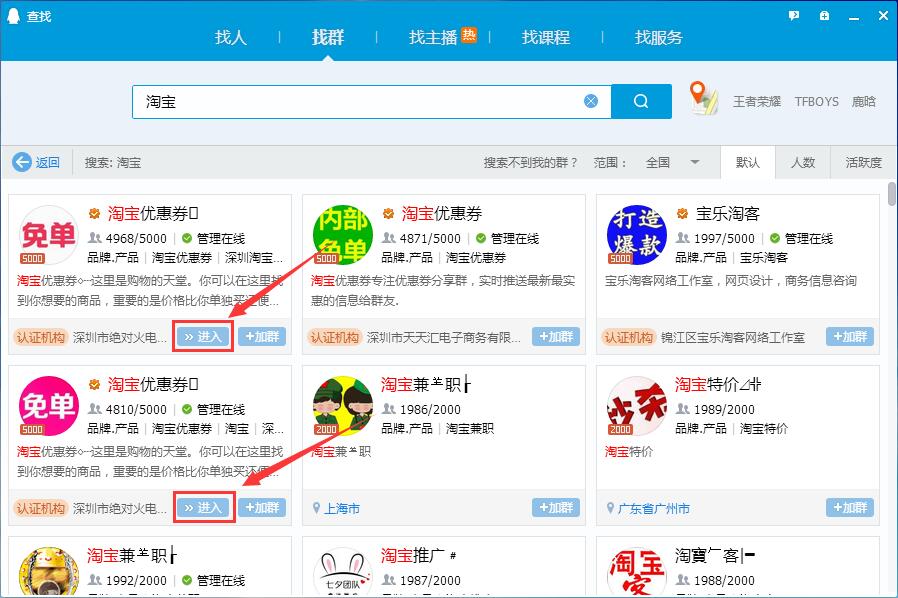
2. Support the extraction of public group members (i.e., the group that can be entered in the group search window)

3. How to use

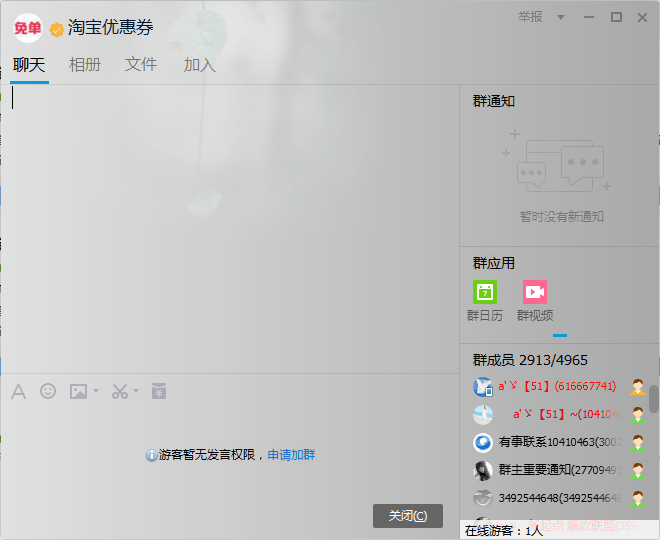
1. In the QQ window, click the group members you want to export one by one with the mouse

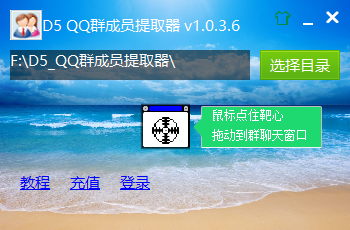
2. Hold the “bullseye” in the middle of the “D5 QQ Group Member Extractor” with the left mouse button, drag it to the QQ group chat window, and release the left mouse button

3. The time has come to witness the miracle

Fourth, the interface

D5_QQGroupMemberExporter_MainDlg1
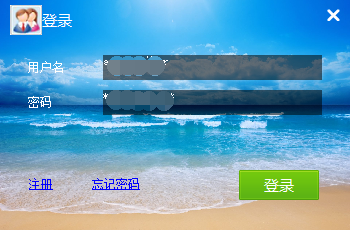
D5_QQGroupMemberExporter_LoginDlg

5. Show animation

6. Public group display

QQ_Public_Group_Show
QQ_Public_Group_Show2


Flash Email – Record all your inspirations

1. Functions

1. [Send email] Send your thoughts to your mailbox at any time

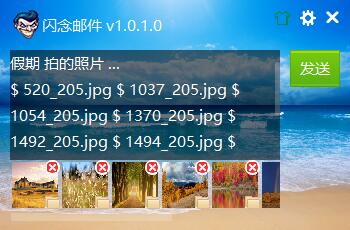
2. [Support Attachment] You can use the mailbox as a network disk

3. [Skin Swapping Function] Change the background to your favorite picture at will

4. [Dock at the edge of the screen] Drag the window to the edge of the screen, it will be automatically hidden, and the mouse will be moved over to display it automatically

5. Support 99% of the world’s outboxes

Second, technology

1. Language: C++

2. Interface library: Duilib

3、SMTP

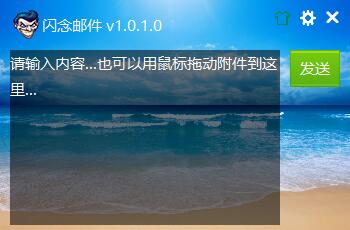
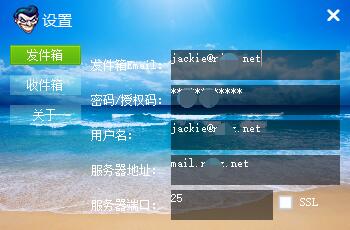
3. Interface

ShanNianMail_1 ShanNianMail_2 ShanNianMail_3 ShanNianMail_4 ShanNianMail_5

Fourth, support system version

1、Win XP

2、Win Vista

3、Win 7

4、Win 8

5、Win 10

5. Download

Click to Download