BIGBIG WON Assistant PC – Professional Game Controller Configuration Software

BIGBIG WON Assistant PC is a professional configuration tool designed for BIGBIG WON gaming controllers.
It allows players to customize controller settings, remap buttons, create macros, update firmware, and optimize their gaming experience on Windows.

Whether you are a competitive FPS player, an action game enthusiast, or a player who enjoys personalized controls, BIGBIG WON Assistant helps you configure your controller exactly the way you want.

Main Features

🎮 Controller Customization

BIGBIG WON Assistant provides powerful customization options:

  • Gyroscope motion control settings
  • Joystick sensitivity adjustment
  • Trigger configuration
  • Button remapping
  • Rapid-fire settings
  • Vibration adjustment

⚡ Macro Recording

The built-in macro function allows players to record complex operations and assign them to a single button.

Useful for:

  • One-button combos
  • Custom game actions
  • Reducing repetitive operations

⚙️ Advanced Settings

Professional players can fine-tune their controllers with advanced options:

  • Connection mode settings
  • Joystick precision adjustment
  • Polling rate settings
  • Controller calibration
  • Map left joystick to D-pad
  • Smart charging base control
  • Smart trigger lock
  • Restore factory settings
  • Product manual access

🔄 Firmware Update

Keep your controller updated with the latest firmware.
BIGBIG WON Assistant makes firmware upgrades simple and convenient.

🕹 Button Testing

Test buttons, joysticks, and triggers quickly to make sure your controller is working properly.

Supported Controllers

BIGBIG WON Assistant currently supports:

  • Rainbow 2 Pro
  • Rainbow 2 SE
  • Rainbow 3
  • GALE
  • Storm
  • Blitz 2
  • AETHER

Modern UI Experience

The modern version provides a cleaner and more stylish interface for a better user experience.

A classic version is also available for users who prefer the traditional interface.

Software Preview

Modern Version Preview

Classic Version Preview

Download

Download BIGBIG WON Assistant PC:


Download Classic Version

Password: c21m

Conclusion

BIGBIG WON Assistant PC gives gamers complete control over their controllers.
With button customization, macro recording, performance tuning, firmware updates, and testing tools, players can create the perfect controller setup for their favorite games.
Black Shark Assistant PC – Game Controller Configuration Software

Black Shark Assistant PC is a Windows configuration utility designed for Black Shark gaming controllers.

With Black Shark Assistant, players can customize controller settings, remap buttons, record macros, update firmware, and optimize controller performance for different games.

Whether you are a competitive gamer or a player who enjoys personalized controls, Black Shark Assistant helps you create your ideal gaming setup.

Main Features

🎮 Controller Configuration

Black Shark Assistant provides powerful controller customization options:

  • Gyroscope motion control settings
  • Joystick sensitivity adjustment
  • Trigger configuration
  • Button mapping
  • Rapid-fire settings
  • Vibration adjustment

Players can fine-tune controller settings for different games and achieve a more accurate and comfortable gaming experience.

⚡ Macro Recording

Black Shark Assistant supports macro recording, allowing players to record actions and execute complex operations with a single button.

Useful for:

  • Game combos
  • Custom action sequences
  • Automating repetitive operations

⚙️ Advanced Settings

Professional controller adjustment options include:

  • Connection mode settings
  • Joystick precision adjustment
  • Polling rate settings
  • Controller calibration
  • Map left joystick to D-pad
  • Smart charging base control
  • Smart trigger lock
  • Restore factory settings
  • Product manual access

🔄 Firmware Update

Black Shark Assistant makes firmware updates simple and convenient.

Keep your controller stable and get access to the latest improvements and features.

🕹 Button Testing

The built-in testing tool allows users to quickly check buttons, joysticks, and triggers to make sure the controller is working correctly.

Supported Controller

Black Shark Assistant PC currently supports:

  • Dark Magician

Dark Magician Demo

Download

Download Black Shark Assistant PC:


Download Classic Version

Password: 8u54

Conclusion

Black Shark Assistant PC gives gamers complete control over their gaming controllers.

With button customization, macro recording, performance tuning, firmware updates, and testing tools, players can create a controller setup that matches their gaming style.

MSY Assistant PC – MSY Gaming Controller Configuration Software

MSY Assistant PC is a Windows configuration utility designed for MSY gaming controllers.

With MSY Assistant, players can customize controller settings, remap buttons, record macros, update firmware, and optimize their controller performance for different games.

Whether you are a competitive gamer or a player who enjoys personalized controls, MSY Assistant helps you create your own gaming setup.

Main Features

🎮 Controller Configuration

MSY Assistant provides powerful controller customization options:

  • Gyroscope motion control settings
  • Joystick sensitivity adjustment
  • Trigger configuration
  • Button mapping
  • Rapid-fire settings
  • Vibration adjustment

Players can fine-tune controller settings for different games and enjoy a more accurate and comfortable gaming experience.

⚡ Macro Recording

MSY Assistant supports macro recording, allowing players to record actions and execute complex operations with a single button.

Useful for:

  • Game combos
  • Custom action sequences
  • Automating repetitive operations

⚙️ Advanced Settings

MSY Assistant provides professional controller configuration options:

  • Connection mode settings
  • Joystick precision adjustment
  • Polling rate settings
  • Controller calibration
  • Map left joystick to D-pad
  • Smart charging base control
  • Smart trigger lock
  • Restore factory settings
  • Product manual access

🔄 Firmware Update

MSY Assistant makes firmware updates simple and convenient.

Keep your controller stable and get access to the latest improvements and features.

🕹 Button Testing

The built-in testing tool allows users to quickly check buttons, joysticks, and triggers to make sure the controller is working properly.

Supported Controller

MSY Assistant PC currently supports:

  • MSY01

MSY01 Demo

Download

Download MSY Assistant PC:


Download MSY Assistant

Password: d8as

Conclusion

MSY Assistant PC gives gamers complete control over their gaming controllers.

With button customization, macro recording, performance tuning, firmware updates, and testing tools, players can create a controller setup that matches their gaming style.

O&M terminal clients

1. Introduction

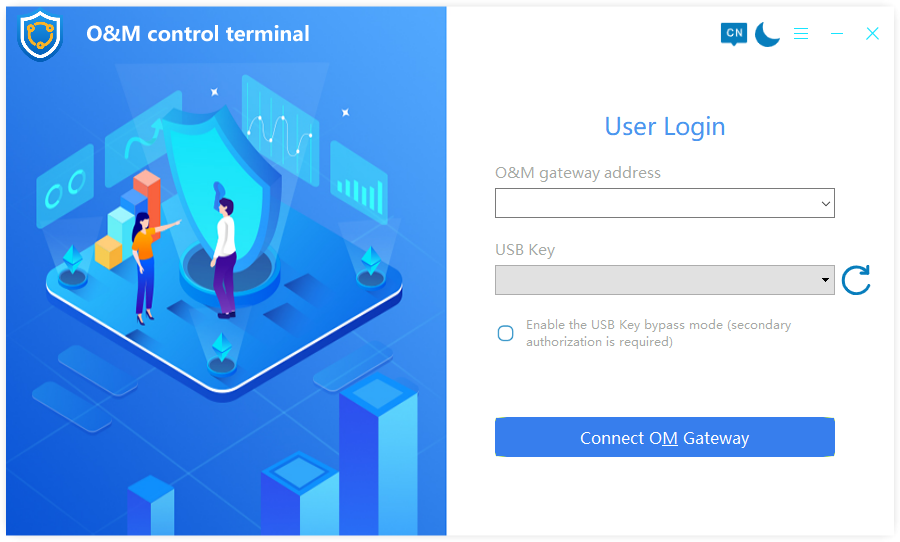
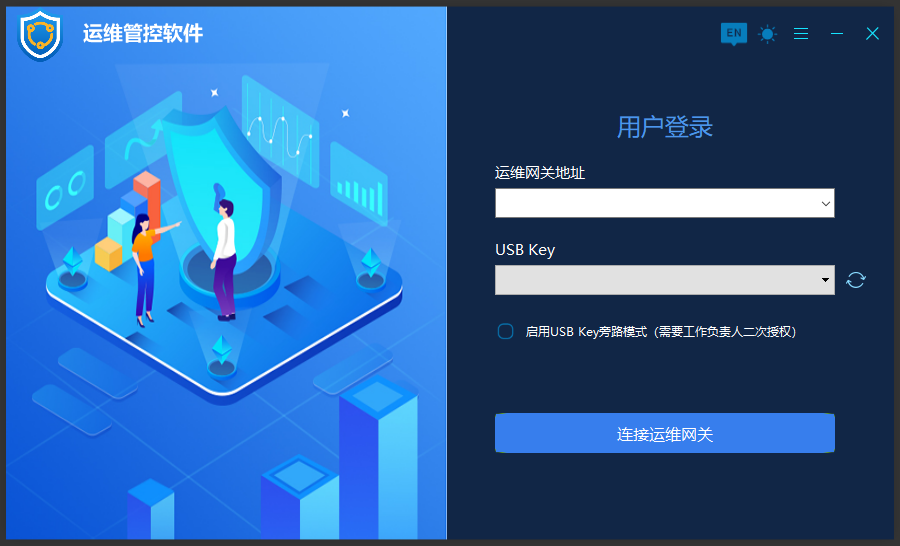
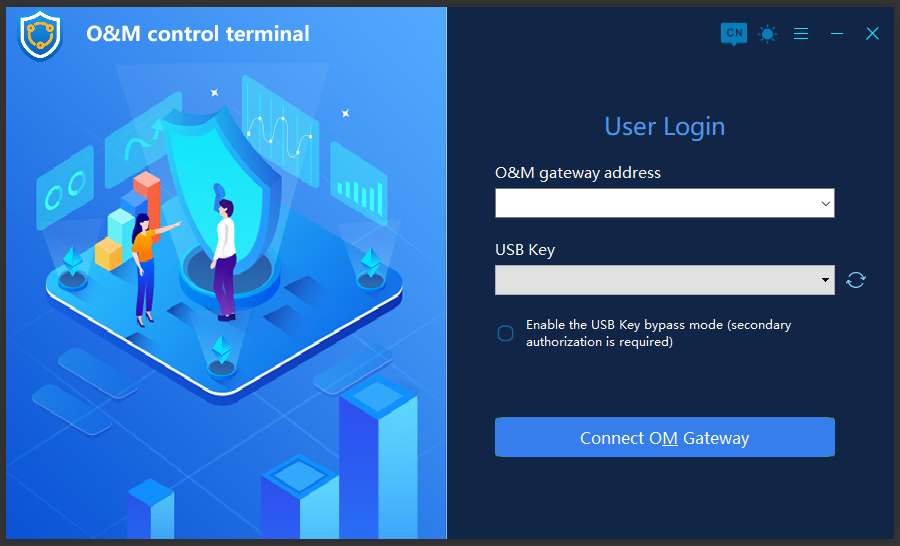
1. Support Windows, Linux, Mac

2. Support black and white skin switching

3. Support multi-language (currently support Chinese and English)

4. TCP communication, SFTP file transfer, screen recording

5. National cryptography algorithm: SM2, SM4

Second, technology

1. Programming language: C++

2. UI engine: QT

3. Interface

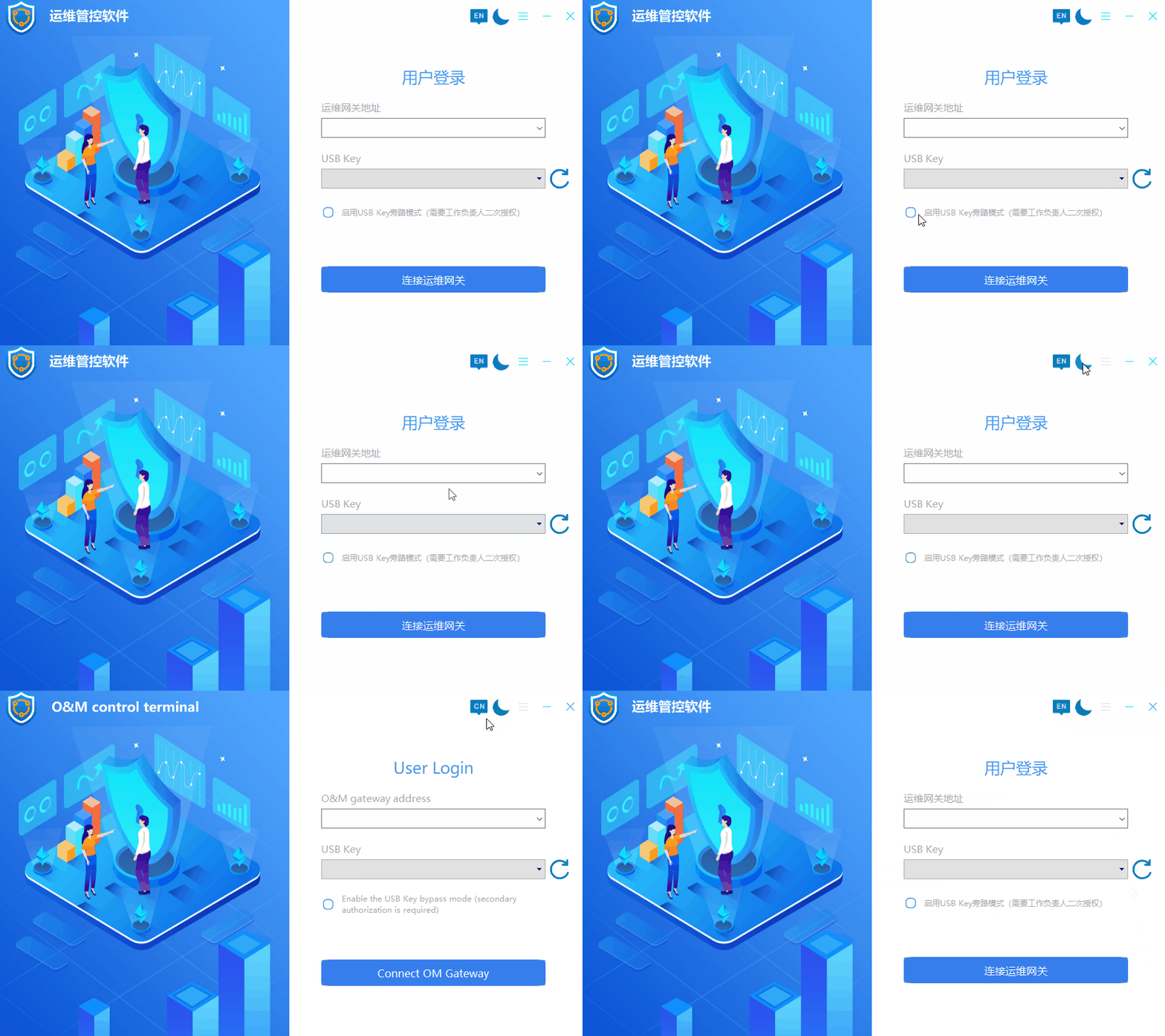
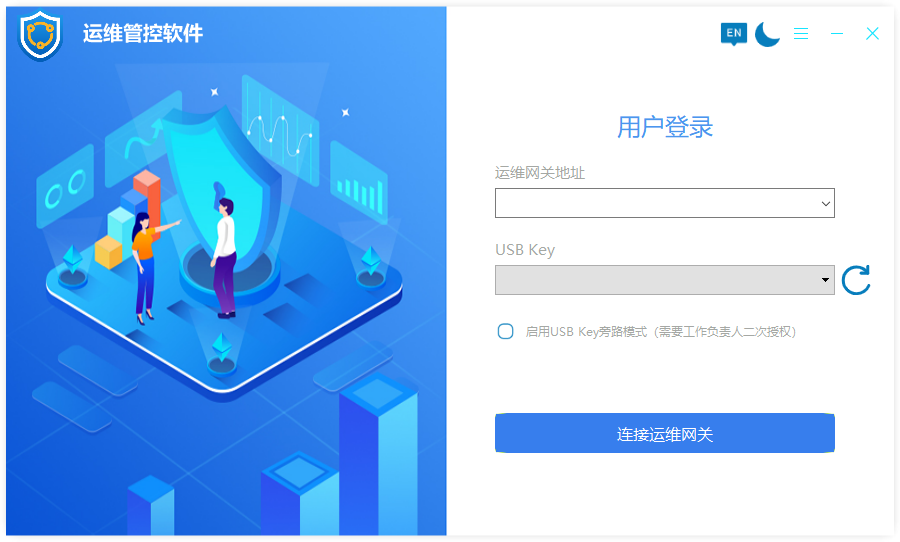
OperationsTerminal

7200d3e0fa87d86e0f82baf82f43ec2 93bbda8ea4fdbf3f73b4f337ab85d7c 2a7ac016236c7e91ceb460729dc6e3c 50adaa557bf9cf114aba00a606de09a

Security Guard mini client

1. Introduction

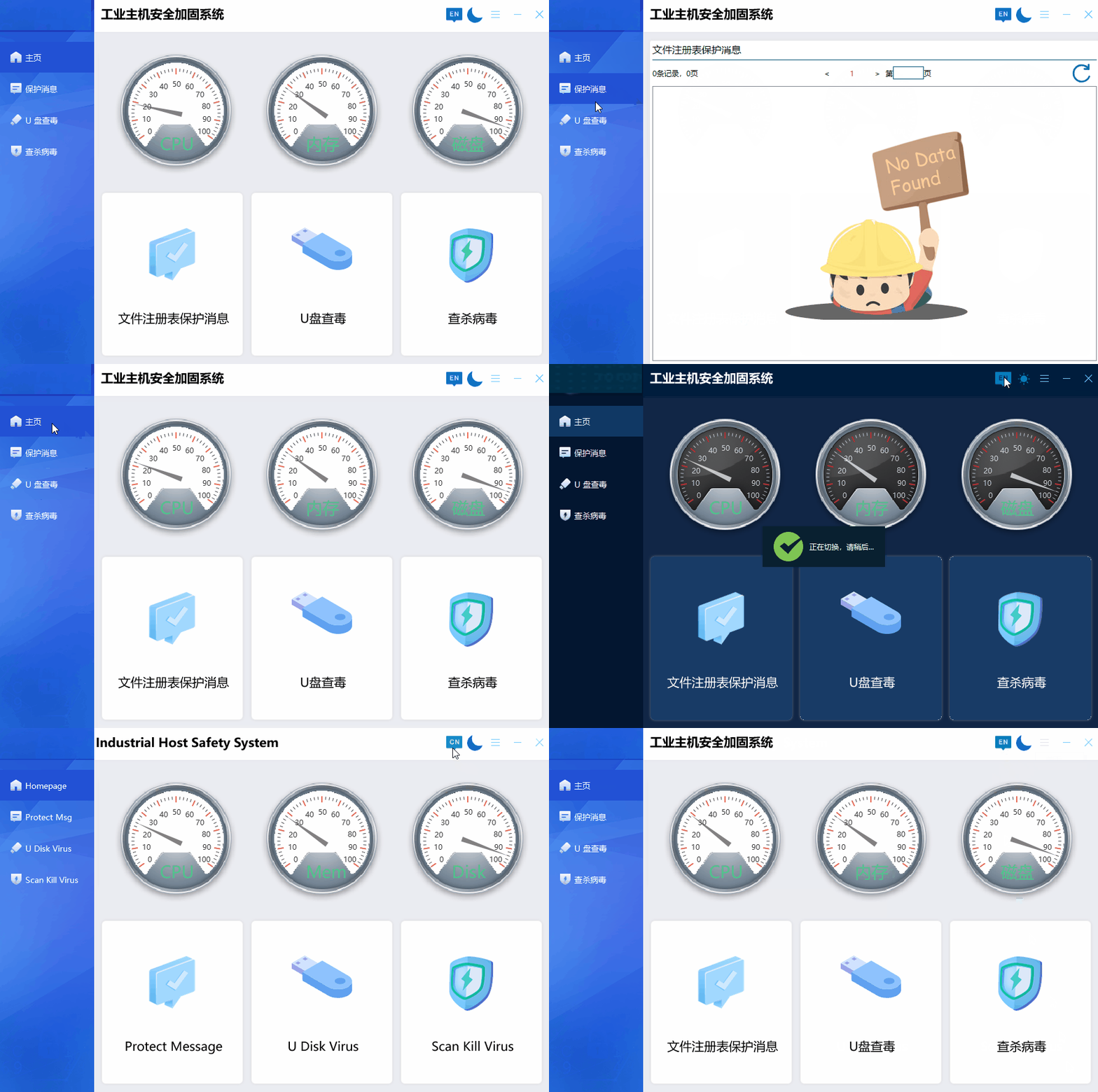
1. Support black and white skin switching

2. Support multi-language (currently support Chinese and English)

3. Support WinXP and above systems

Second, technology

1. Programming language: C++

2. UI engine: QT

3. Shared memory inter-process communication

4. Data storage: Sqlite

3. Interface

RASystrayICON